Choose the period
Start from the days, trend window or trial period that matters.
 Join beta
Reports are meant to help people reflect on selected logs, trends, coach suggestions and trials, or prepare a cleaner conversation about what they have noticed.
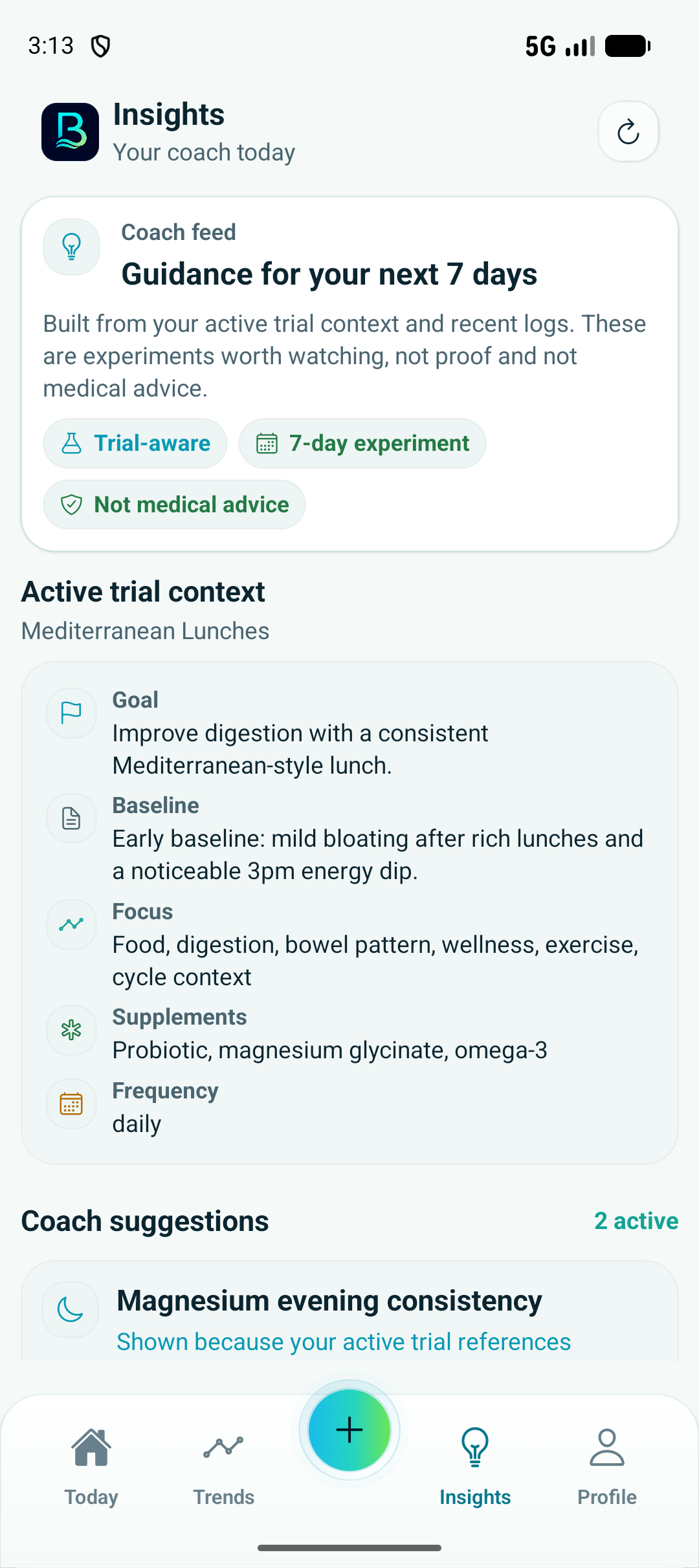
A useful report should summarize selected context without pretending to diagnose or replace professional guidance.
Start from the days, trend window or trial period that matters.
Include the logs that explain the question: food, exercise, wellbeing, digestion, routines or trial data.
Use trends and coach suggestions to describe what changed and what still looks uncertain.
Reports support reflection or a conversation. They are not medical advice or a diagnosis.
Reports make the app's history easier to scan by grouping the relevant logs and keeping uncertainty visible.
A report is strongest when it answers one question or covers one trial period.
Food, movement, wellness, digestion and routine context can explain why a trend may have shifted.
Basentra can help organize observations, but clinical decisions belong with qualified professionals.
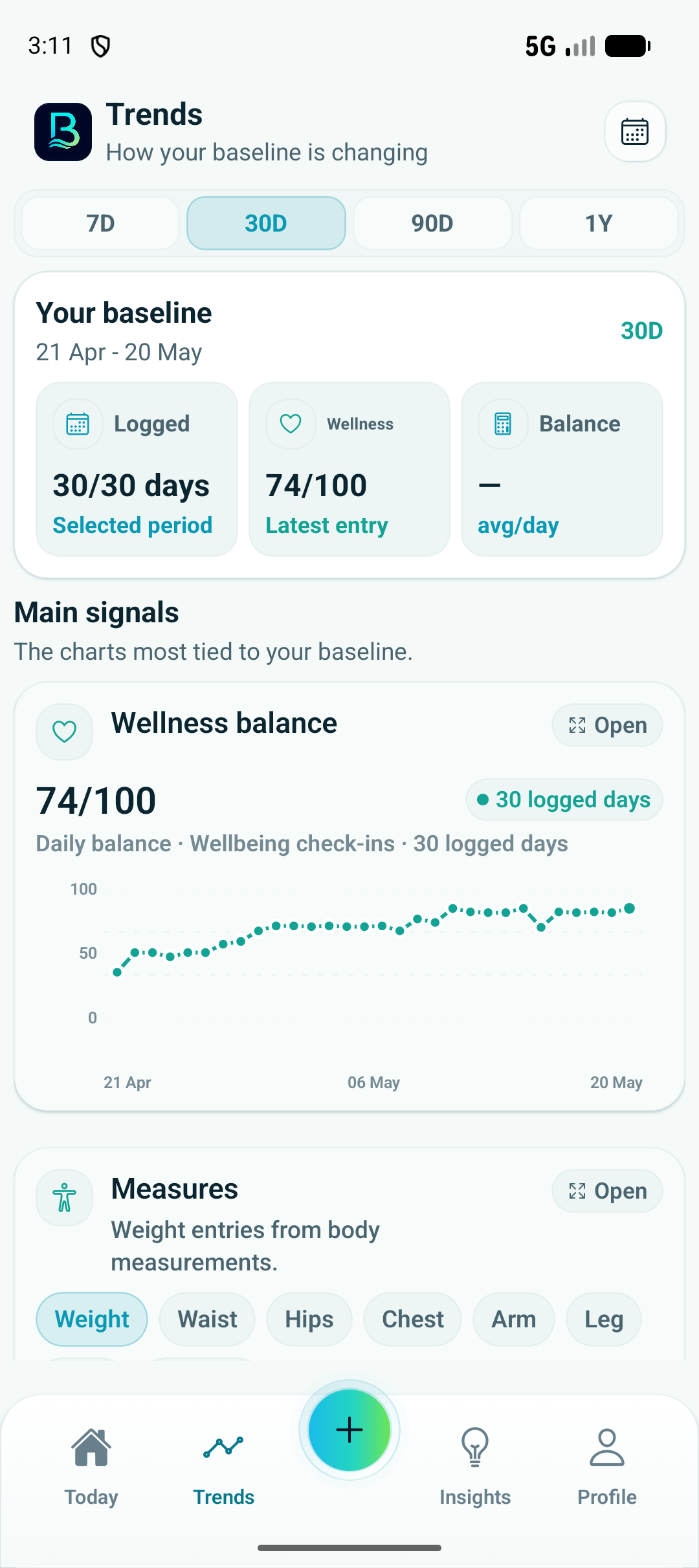
Trend screens show the logged history that a report can summarize.