Start from the plus action
Open Quick log from Today and choose food, supplement, exercise, bowel, wellness, note or cycle.
 Join beta
Basentra keeps daily logging close to the Today screen, so food, movement, supplements, digestion and wellbeing can be captured while the context is still fresh.
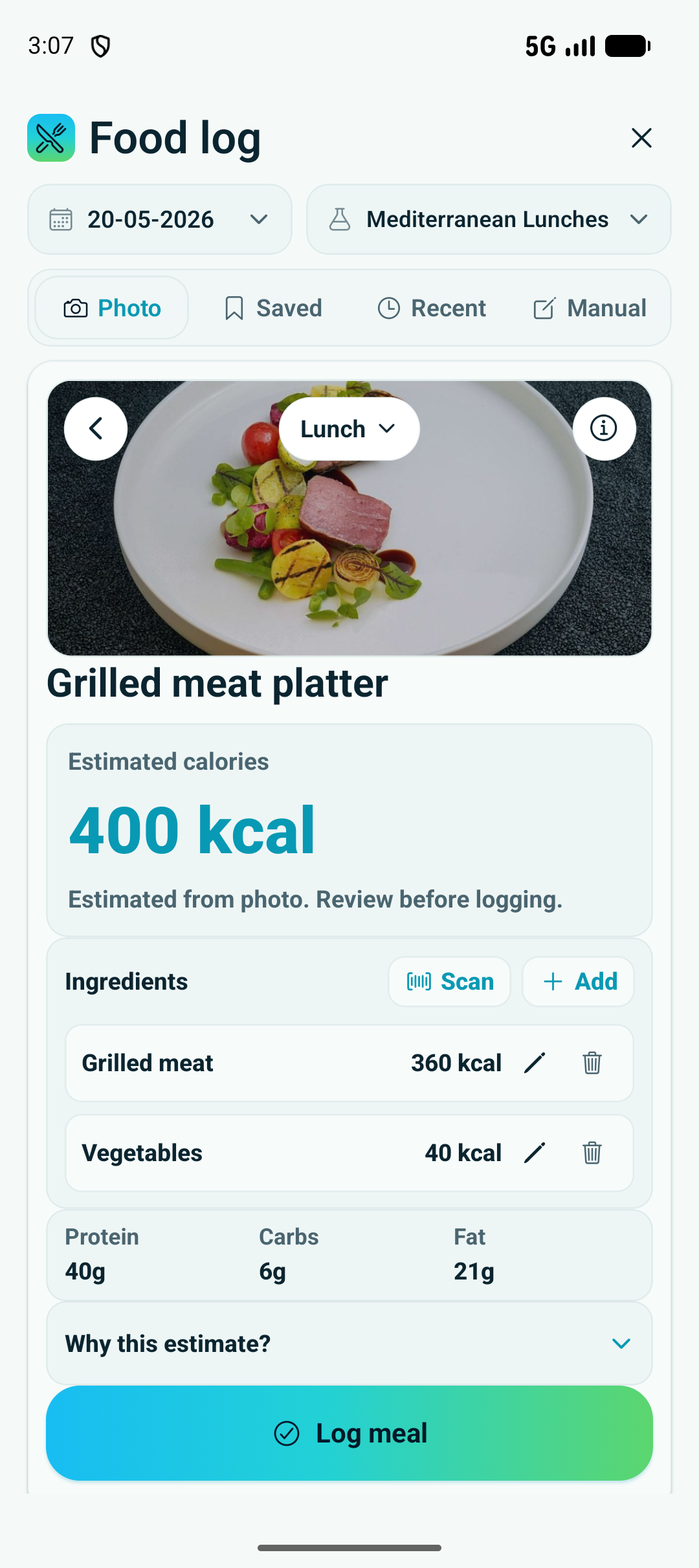
The flow is designed to start quickly, review important details, and save a useful entry to the day timeline.
Open Quick log from Today and choose food, supplement, exercise, bowel, wellness, note or cycle.
Use a photo, saved item or manual entry, then add timing and the details that make the log meaningful.
Food estimates, ingredients and calories stay editable before the entry becomes part of your day.
Saved logs sit beside activity, reminders, trials and baseline context instead of becoming isolated notes.
The food log screen shows the level of review Basentra aims for: fast enough to use, but still clear enough to correct.
Photo-assisted food logging gives a starting point, then lets the user inspect and adjust the final log.
Recent and favourite items reduce repeated typing for meals, supplements and repeat routines.
Each log adds context to the same day, making later trend and baseline review easier.
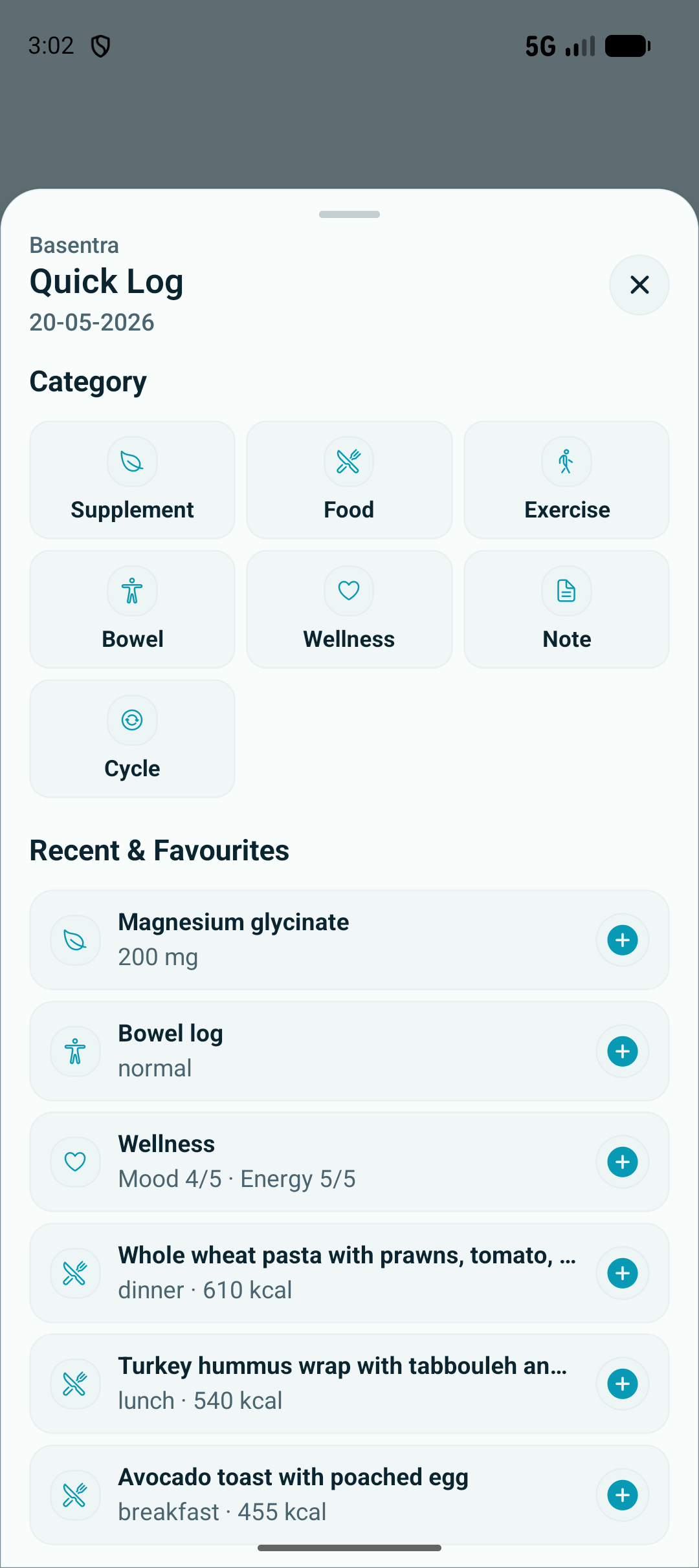
The Quick log sheet keeps the main categories one tap away from Today.